Auto comment livestream TikTok is the secret to making live broadcasts more engaging, lively, and impressive to viewers. With increasing competition on this platform, having vibrant and interactive livestreams is the key to retaining audiences and boosting business opportunities. So how can you auto comment effectively while keeping your account safe? Let’s explore the answer with MKT Software in the article below!
I. What is auto comment livestream TikTok?
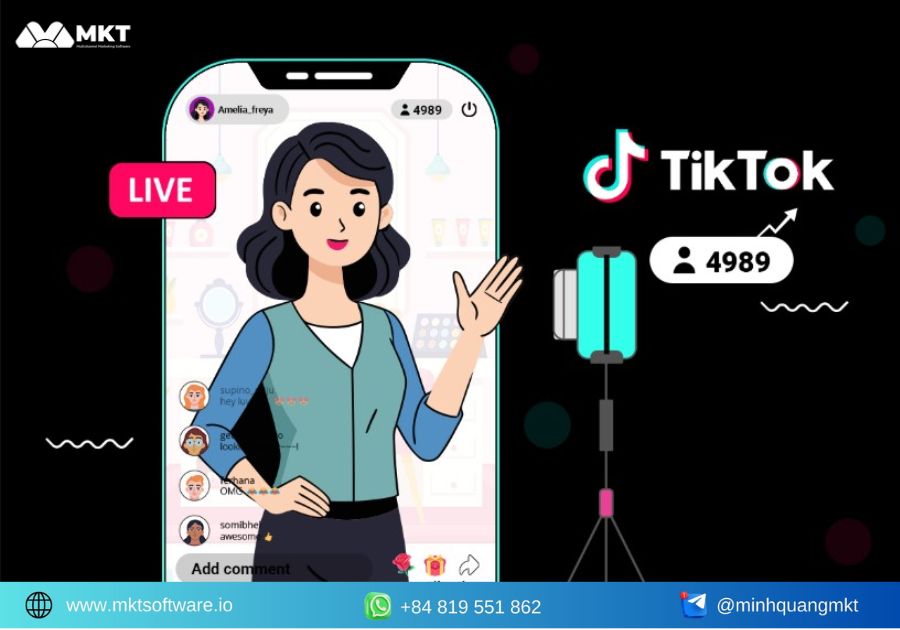
Auto comment livestream TikTok is a method to quickly increase the number of comments during live broadcasts, making the content more vibrant and engaging. This approach often uses tools or support services to generate automatic comments or real interactions from users. This not only boosts engagement but also builds a professional image, attracts more viewers, and enhances sales opportunities effectively.
II. Does auto comment livestream TikTok affect the TikTok channel?
Auto comment livestream TikTok can affect your channel if not done properly. Using unreliable tools or overusing them may cause your account to be restricted or lose credibility.

However, if you use safe and high-quality auto comment services, your channel will naturally gain more engagement, improve livestream performance, and attract more viewers. The key is to choose a reputable solution to ensure account safety.
III. Causes of a flopped TikTok livestream
Many users have experienced disappointing TikTok livestreams despite thorough preparation. A “flopped” livestream can make you feel frustrated and regretful. So, what are the main causes behind this? Let’s find out!
Common reasons why a TikTok livestream flops:
- Unattractive content: Your livestream may lack creativity, highlights, or fail to meet audience expectations. Boring or irrelevant content will easily drive viewers away.
- Inappropriate broadcast time: Each time slot has a different number of active TikTok users. If you livestream during off-peak hours or when your target audience isn’t online, the number of viewers will be very low.
- Poor image and sound quality: Blurry visuals or unclear audio discourage viewers from staying long. Ensuring good-quality livestream equipment will help retain your audience.
- Lack of interaction with viewers: Livestreaming is a real-time activity, so failing to engage with your audience is a major mistake. If you don’t respond to questions or reactions, viewers will feel ignored and may leave.
- No promotion strategy: Without notifying your followers about the livestream beforehand, it’s hard to attract viewers. Promoting it on other platforms like Instagram or Facebook beforehand is an effective way to increase your audience.
- Using ineffective livestream software: If your livestreaming software has weak features, bugs, or is hard to use, technical issues may occur during broadcasting, causing interruptions and loss of audience interest.

IV. The safest auto comment livestream TikTok strategy – Using MKT TikPro software
When you want to boost engagement and attention for TikTok livestreams, auto commenting is an effective strategy. However, to ensure safety and effectiveness, you need to use reputable and high-quality tools. MKT TikPro is a reliable software that helps you do exactly that. Below are the tips to safely auto comment livestream TikTok using MKT TikPro.
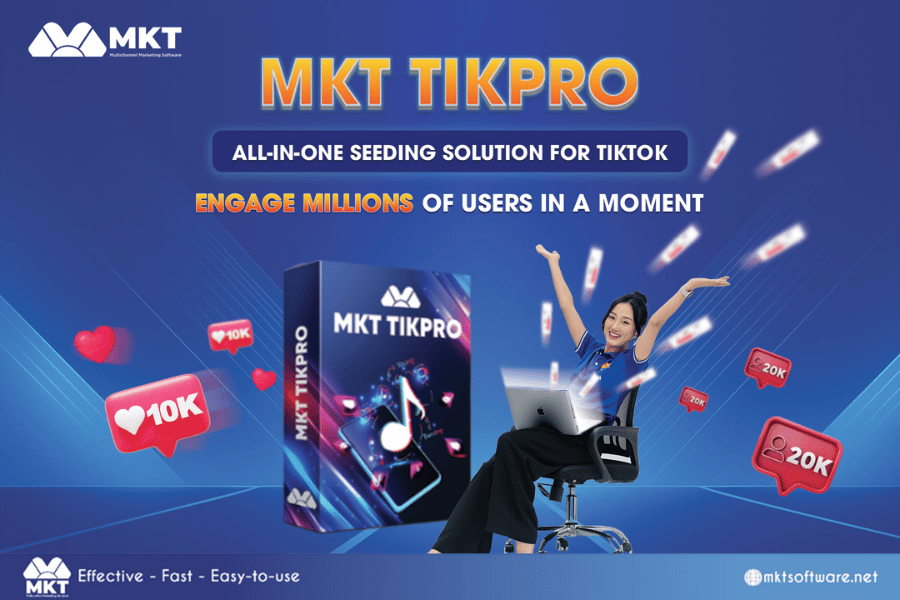
1. Introduction to MKT TikPro Software
MKT TikPro is a powerful marketing software developed by the MKT software system, dedicated specifically to TikTok. This software not only helps you manage and nurture TikTok accounts but also supports effective viral marketing functions.
With AI content rendering, MKT TikPro helps you automatically create posts, upload Reels, and render comments—saving time and increasing interaction for your livestreams. You can easily manage multiple TikTok accounts simultaneously, maintain them, seed comments, and perform automated actions like liking, sharing, and commenting—enhancing business efficiency and building a high-quality sales channel system.
Features of auto comment livestream TikTok software – MKT TikPro:

2. How to auto comment livestream TikTok
If you need additional guidance on how to use MKT TikPro to auto comment during TikTok livestreams, don’t worry—watch the detailed tutorial video below!
SEE MORE:
- Auto Comment TikTok: The Ultimate Tool for Boosting Engagement
- Plan Ahead: How to Schedule Videos on TikTok for Maximum Impact
V. Some effective ways to manually increase comments on TikTok livestream
If you don’t want to rely entirely on tools or automation, there are still plenty of simple and effective ways to boost comments during your TikTok livestream. The key lies in creating real connections and keeping your audience engaged from start to finish. Here are a few practical tips you can apply right away:
- Ask questions during the livestream: Encourage your viewers to share their thoughts by asking open-ended questions like “What do you think about this?” or “Which one would you choose?” This makes them feel involved and motivates them to comment naturally.
- Run small mini-games or giveaways: Everyone loves a little fun. Organize quick mini-games or reward those who comment the fastest or most creatively. It keeps the energy high and encourages more interactions.
- Respond actively to comments: Take time to read and reply to comments during your livestream. When viewers see their messages noticed and answered, they’re more likely to continue engaging.
- Use call-to-action phrases: Simple reminders like “Drop a comment if you agree!” or “Type ‘Yes’ if you want to see more!” work surprisingly well. These short CTAs guide viewers on what to do next and boost real-time engagement.
- Create relatable and emotional content: Share personal stories, behind-the-scenes moments, or real emotions. Authenticity always connects deeply, encouraging people to react and comment from the heart.
- Collaborate with other TikTokers: Livestream with another creator to reach a wider audience. The mix of different followers creates a lively atmosphere and sparks more conversations in the comment section.

VI. Frequently asked questions about auto comment livestream TikTok
When using auto comment during TikTok livestreams, many beginners still have several questions that need clarification to avoid unnecessary mistakes. If you have similar doubts, don’t worry – this section will help address the most common questions. Frequently Asked Questions about auto comment livestream TikTok
-
Is Auto Comment Livestream TikTok safe?
Using software to increase comments during livestreams can attract attention, but if you choose unreliable software, your account may be suspended. Therefore, always use trusted software and follow TikTok’s policies.
-
Do I need to pay to use auto comment software?
Most auto comment tools require a usage fee. However, you should choose reasonably priced and effective services, avoiding poor-quality free tools.
-
Can auto comment software help a livestream go viral?
Auto comment can boost engagement and attract more viewers, but for a livestream to truly go viral, you must also combine it with engaging content, proper timing, and good promotion.
-
Does auto comment reduce genuine engagement?
Overusing fake comments can sometimes make real viewers uncomfortable, affecting natural engagement. Consider using auto comment moderately and avoid overuse.
-
How to choose suitable auto comment software?
When selecting auto comment software, pay attention to features such as TikTok compatibility, safety level, and provider credibility. Don’t forget to check user reviews beforehand to evaluate quality.
Conclusion
Using auto comment livestream TikTok not only increases engagement but also enhances the credibility and professionalism of your live broadcasts. However, to achieve long-term effectiveness, you must choose safe methods aligned with your business goals. Hopefully, the tips shared in this article will help you find optimal solutions to succeed on TikTok. Wishing you explosive and highly effective livestream sessions!